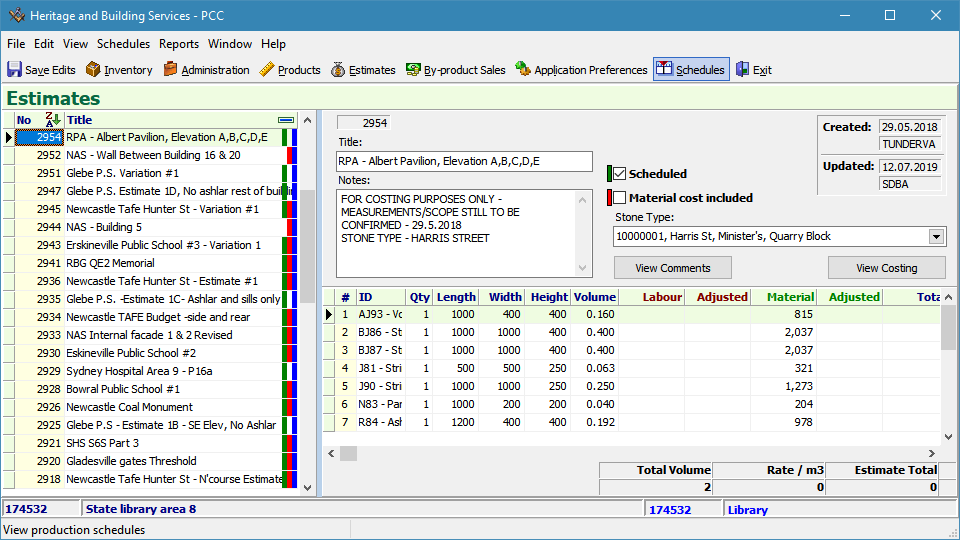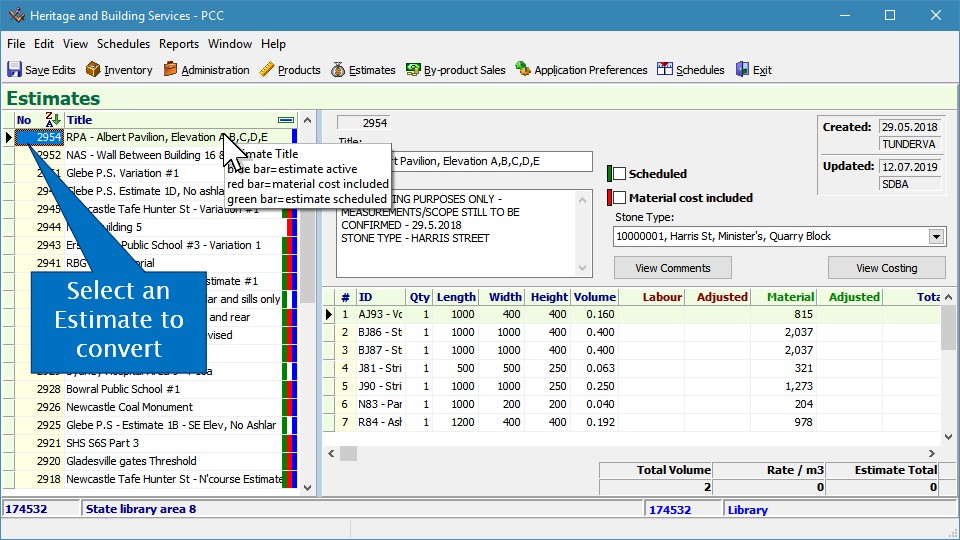

Select an Estimate to convert
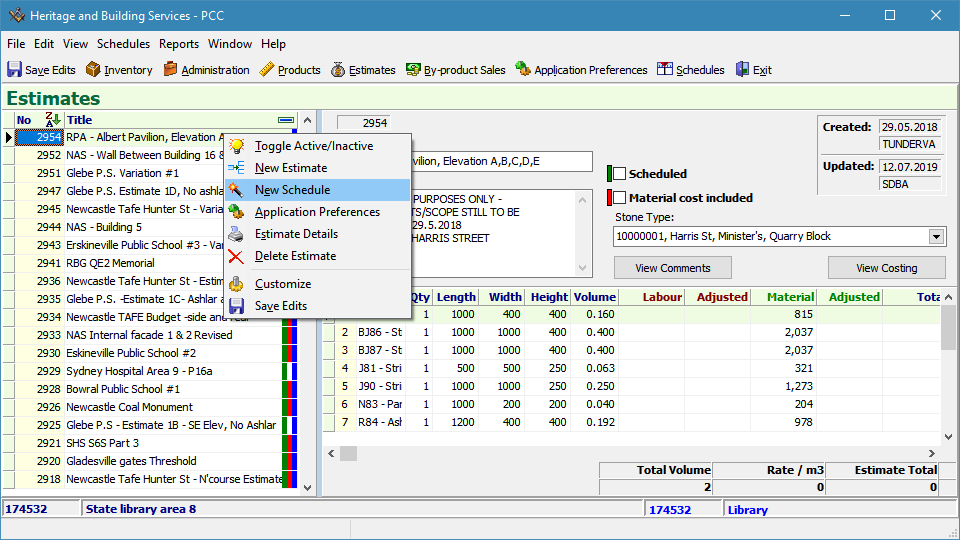
Open the New Schedule wizard from the pop up menu
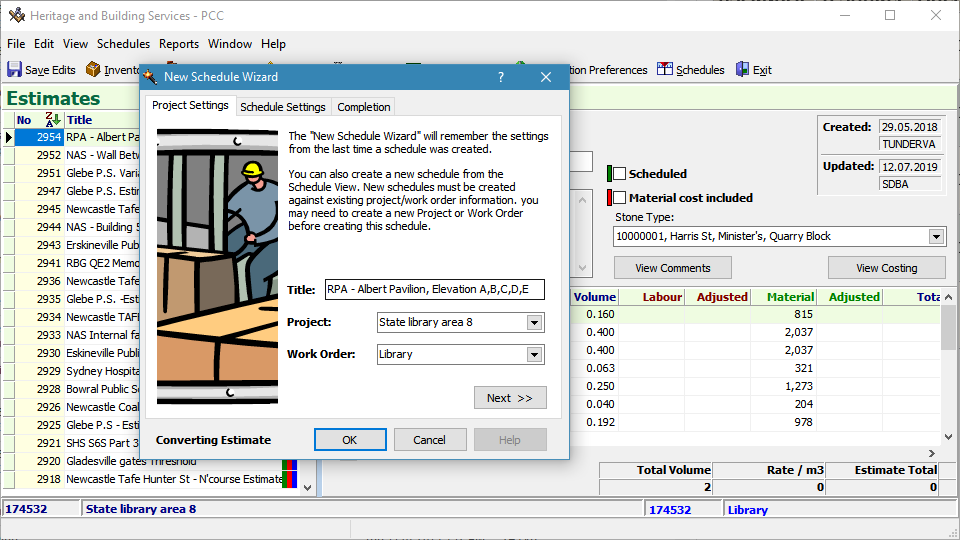
Confirm/edit the project settings
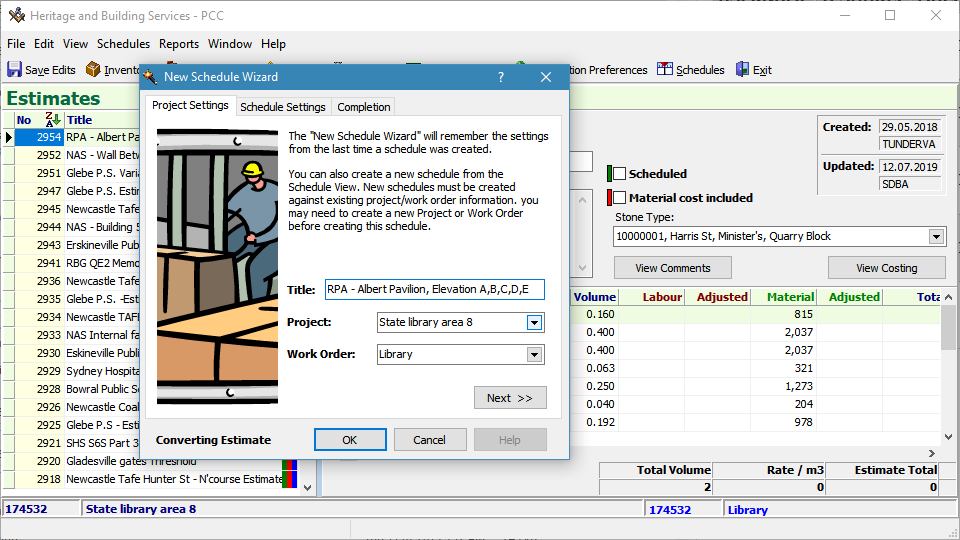
Confirm/edit the project settings
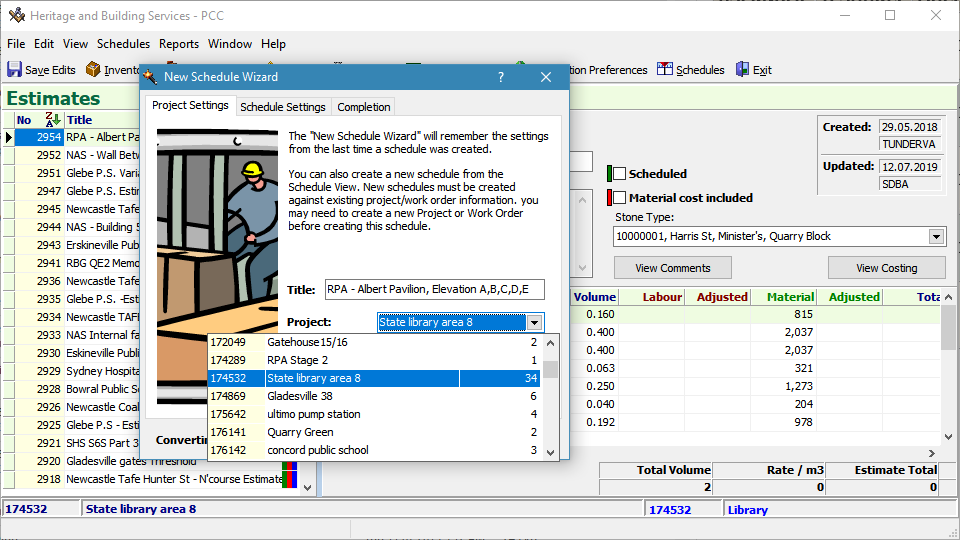
Confirm/edit the project settings
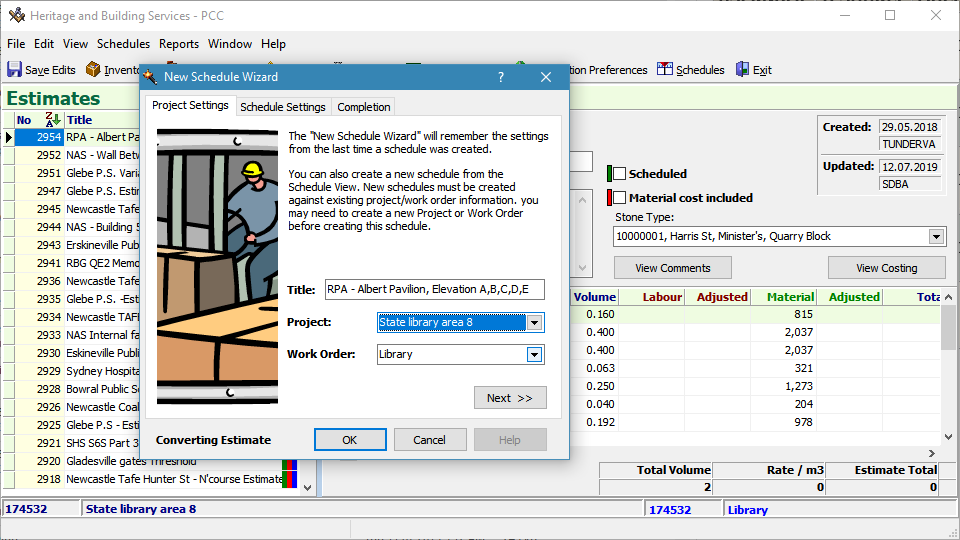
Confirm/edit the project settings
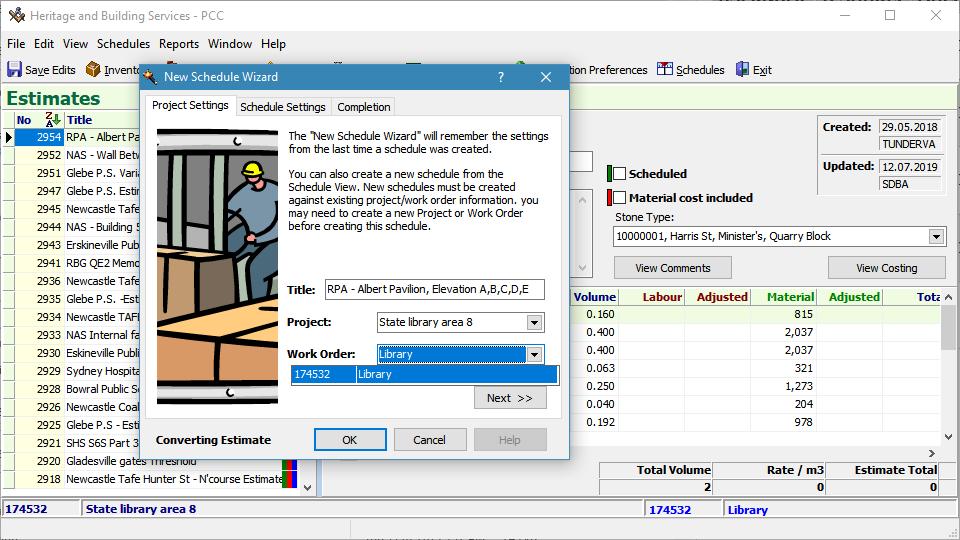
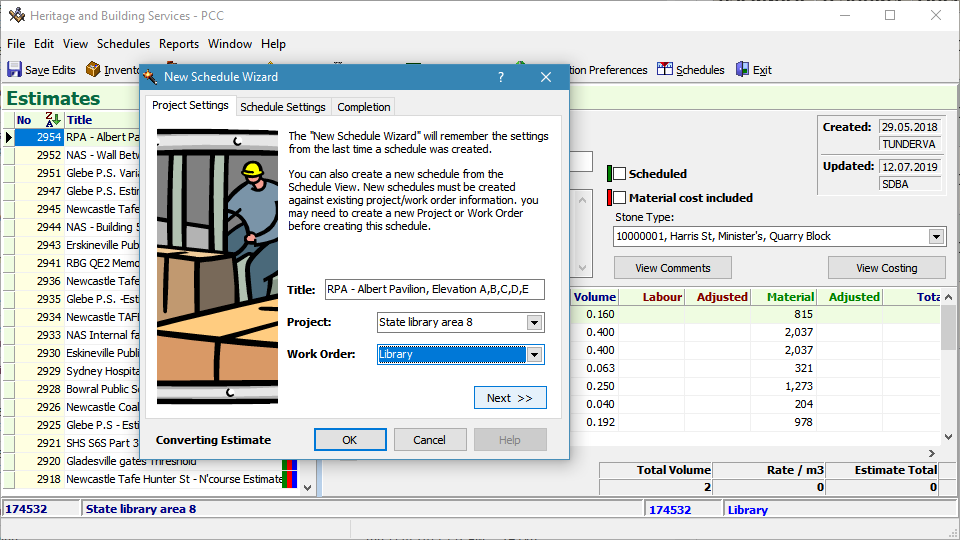
Confirm/edit the project settings
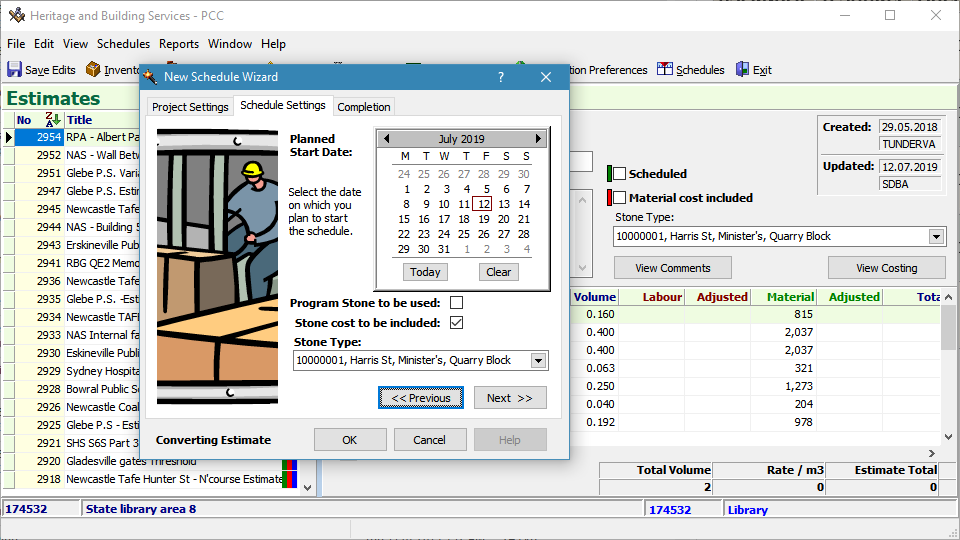
select a start date
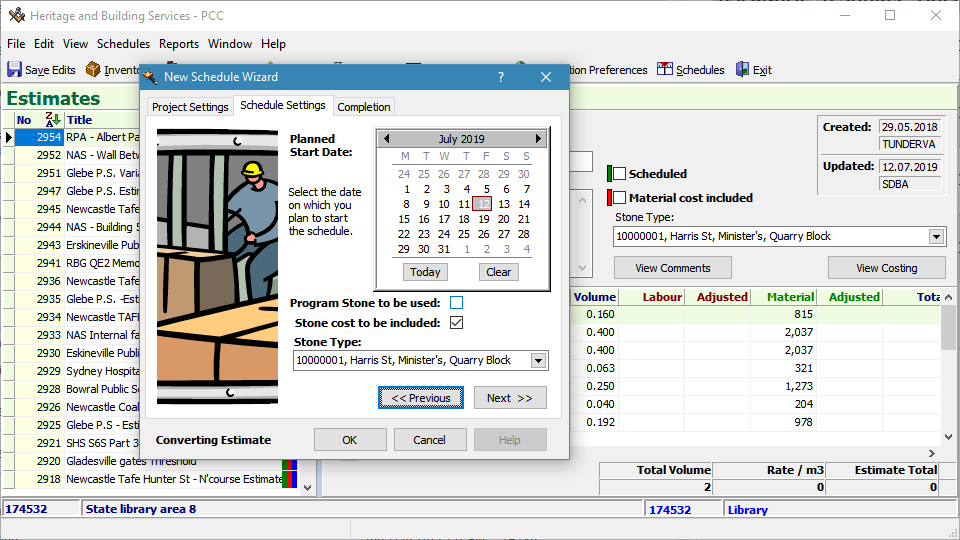
edit the stone details
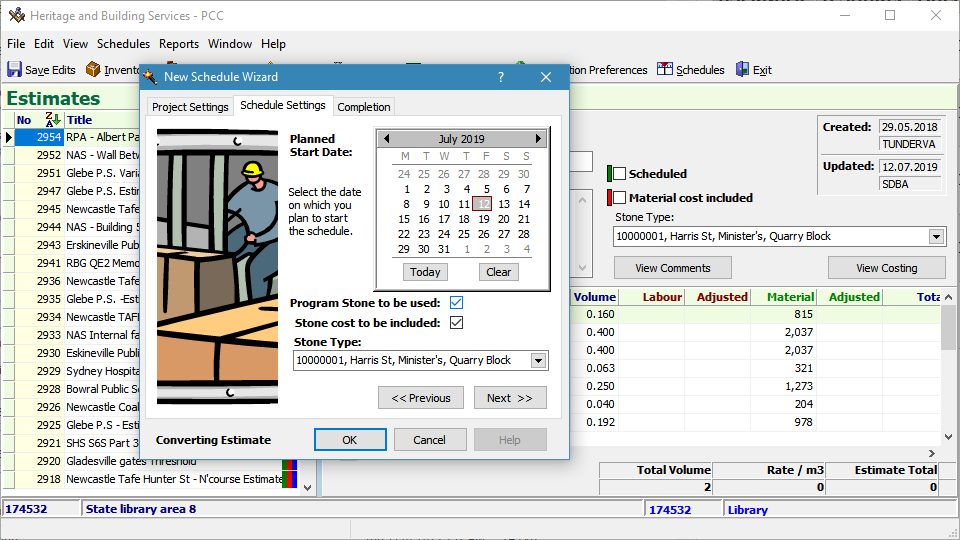
edit the stone details

edit the stone details
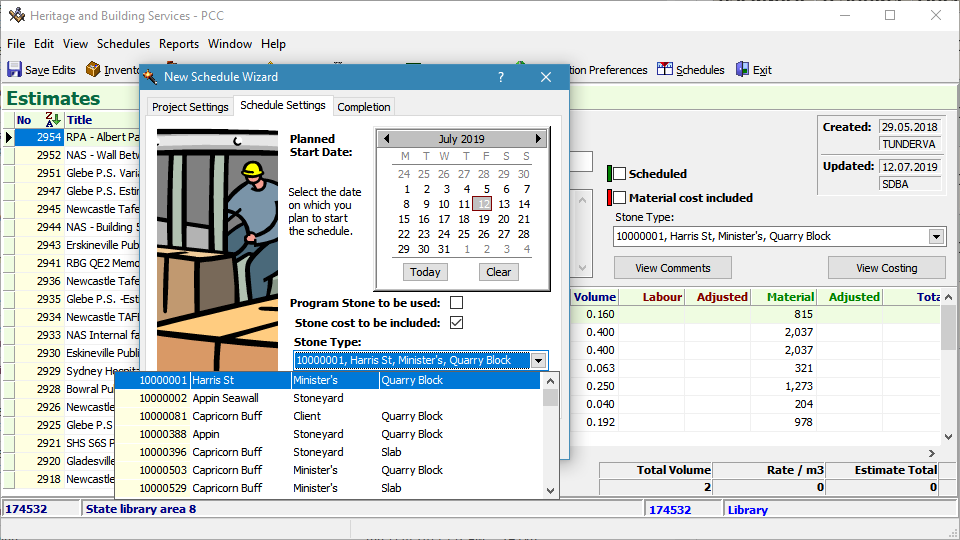
edit the stone details
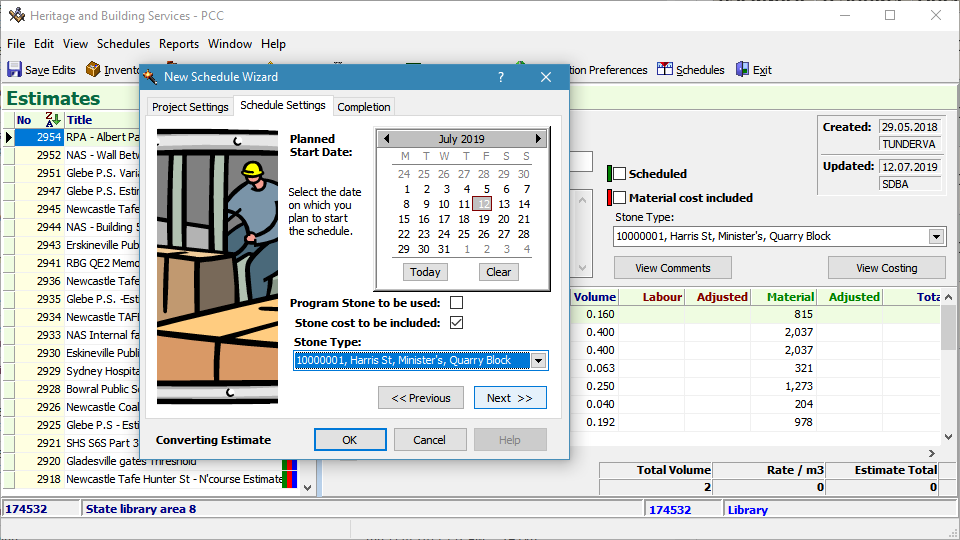
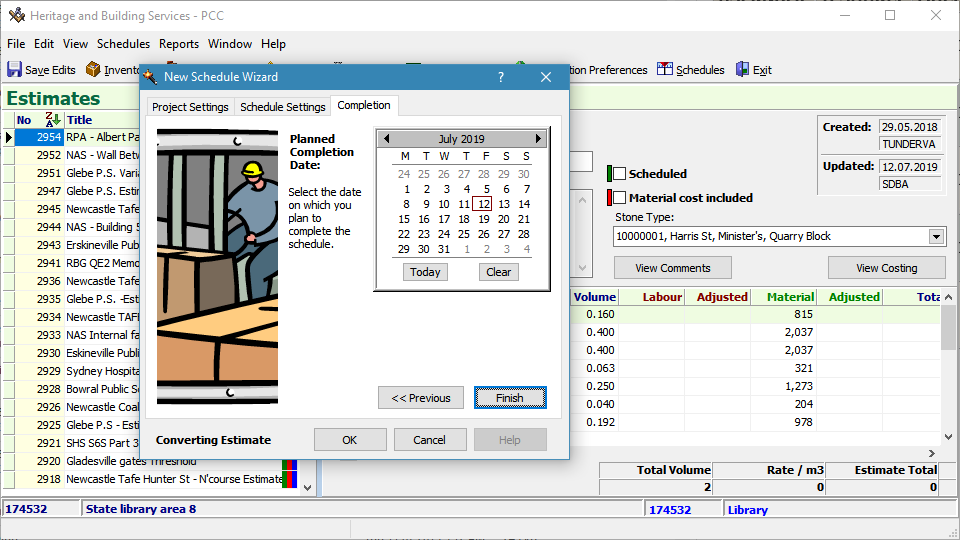
set an estimated completion date
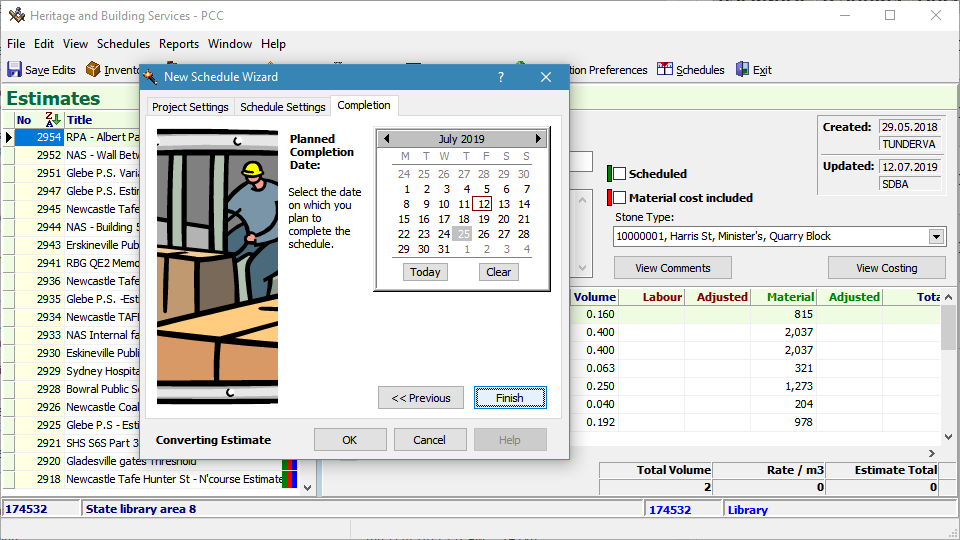
click Finish
or OK
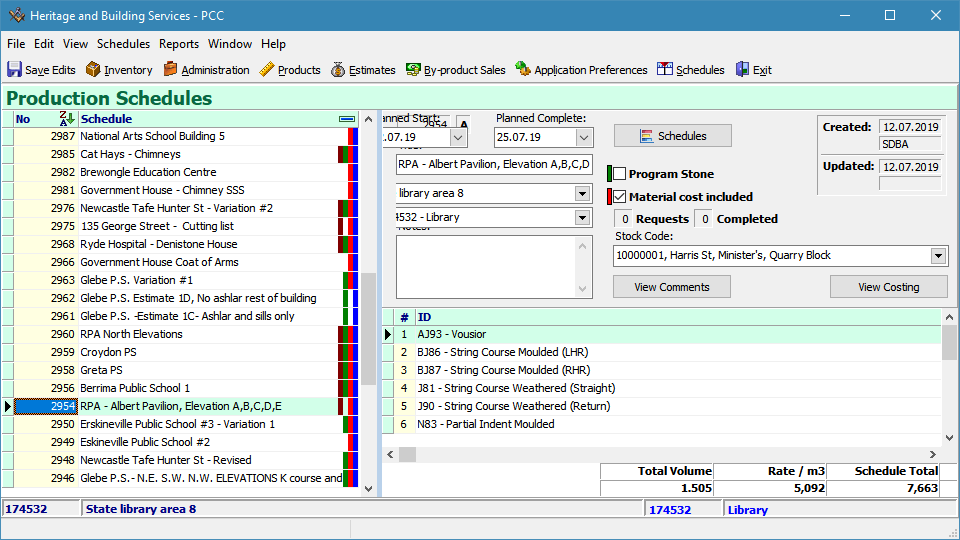
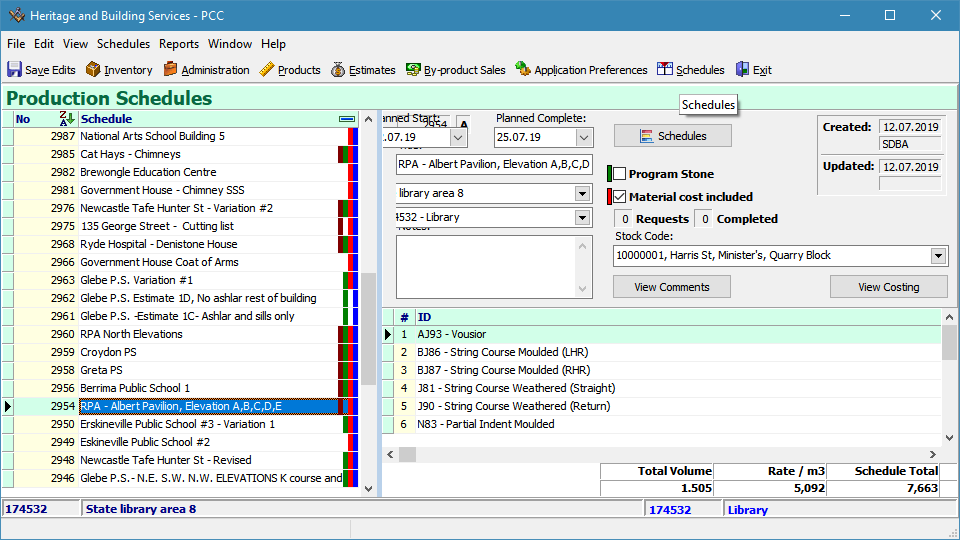
Schedule is created and located in the Schedule listing
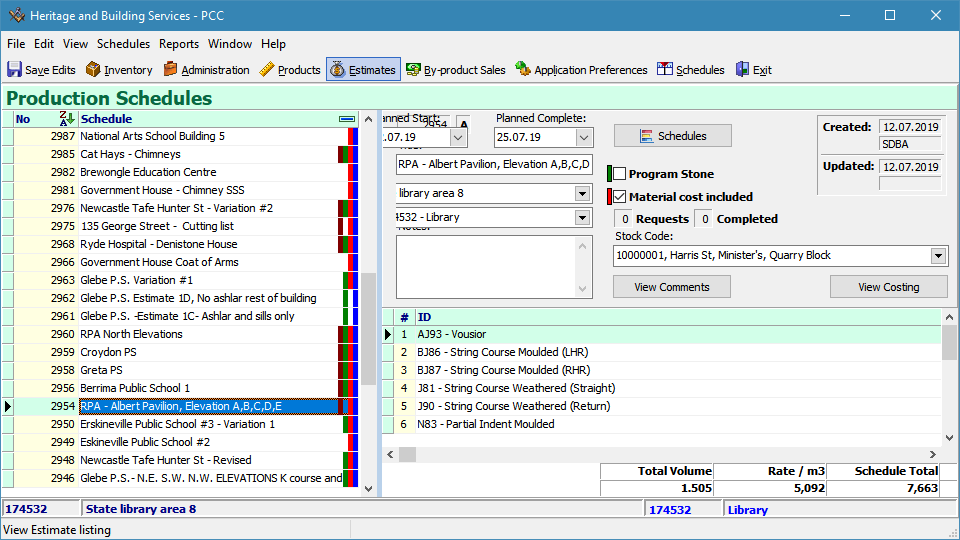
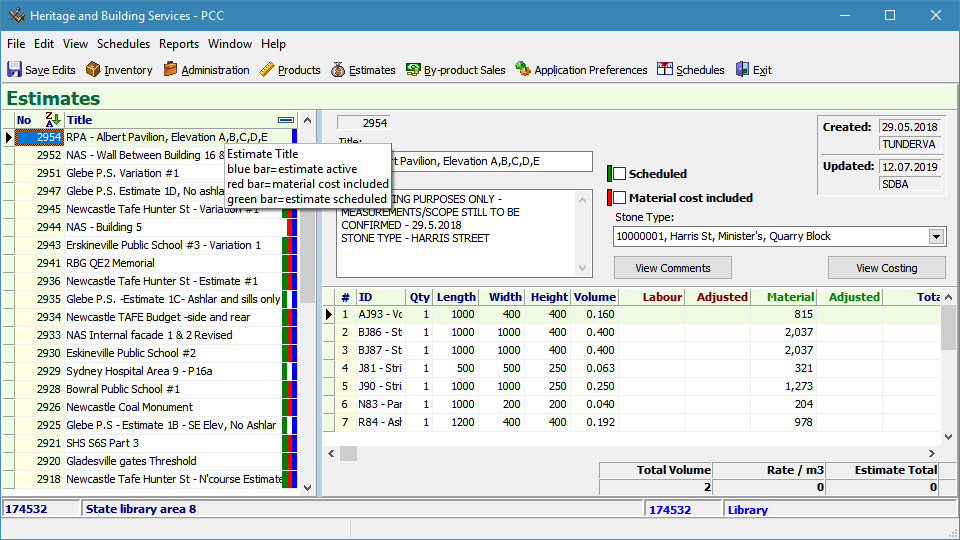
Return to Estimates
to compare conversion