

Review CostCode Summary to ensure all items are coded
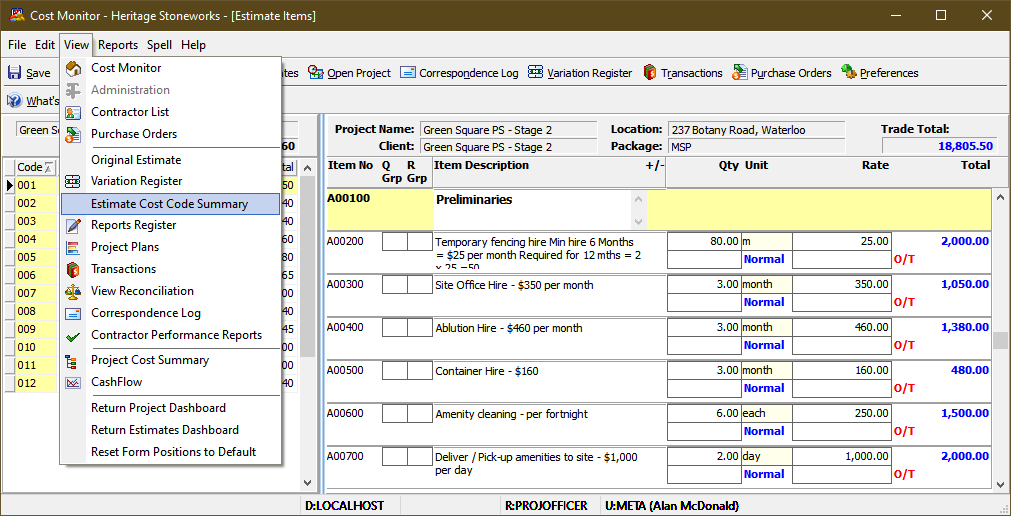
Review CostCode Summary to ensure all items are coded
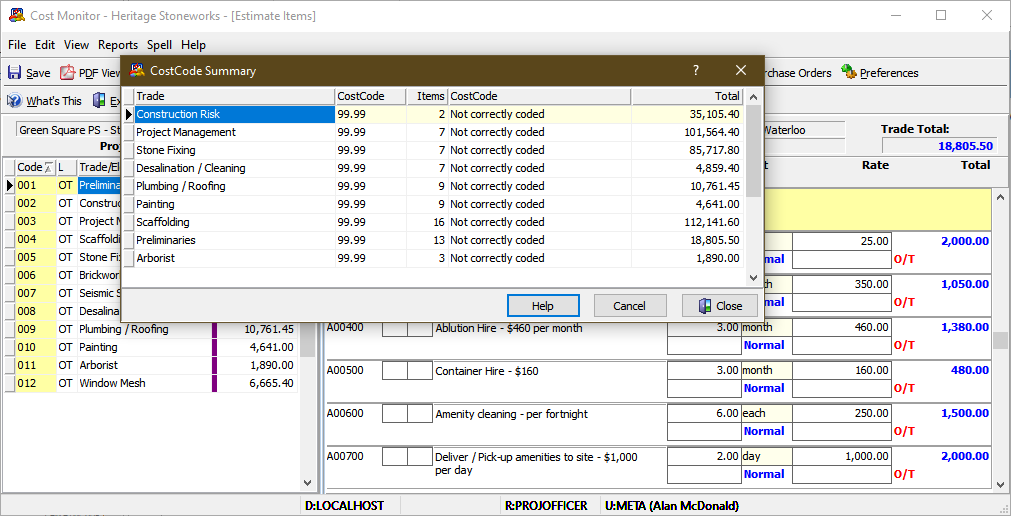
Review CostCode Summary to ensure all items are coded
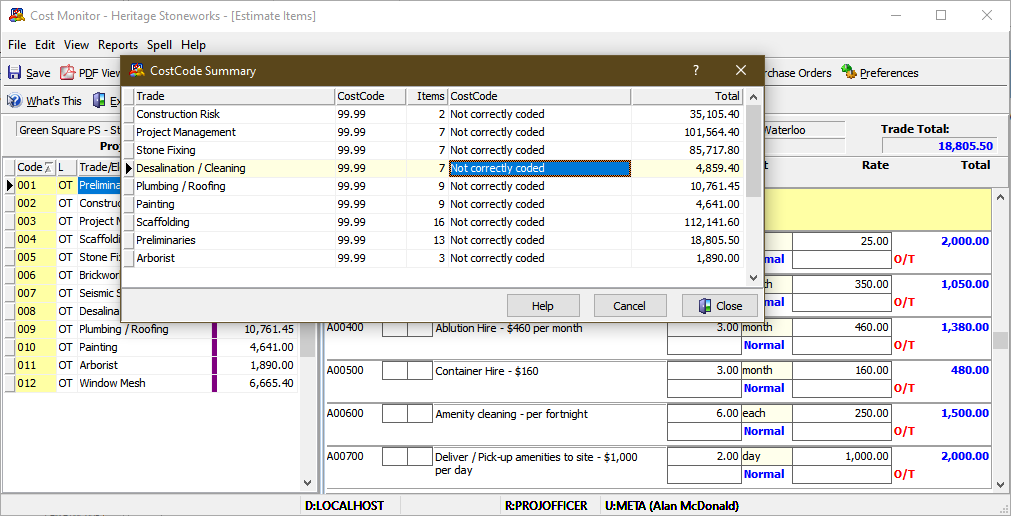
Review CostCode Summary to ensure all items are coded
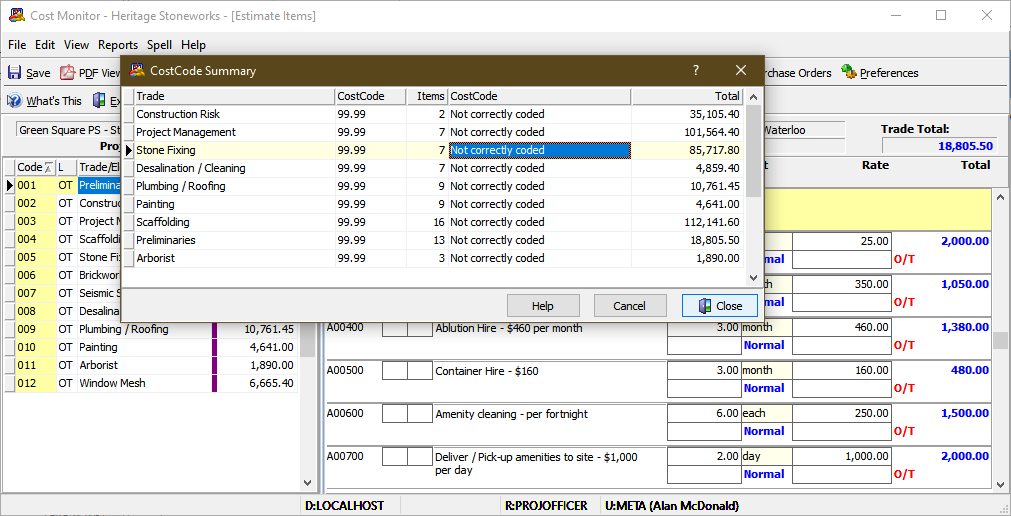
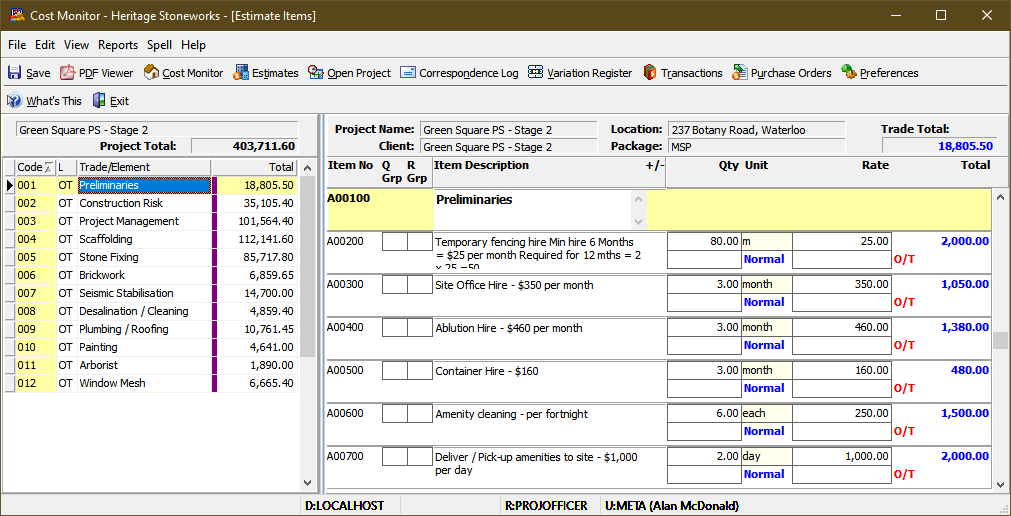
Open CostCode List
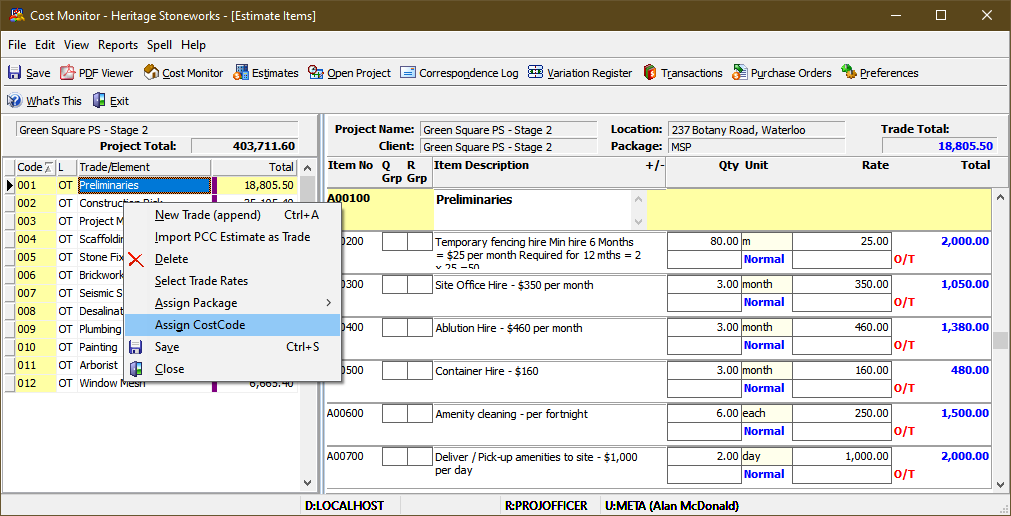
Open CostCode List

Filter in Active

Filter in Active

Filter in Active

Assign Codes to entire trade

Assign Codes to entire trade

or assign to single line item

or assign to single line item

or assign to single line item
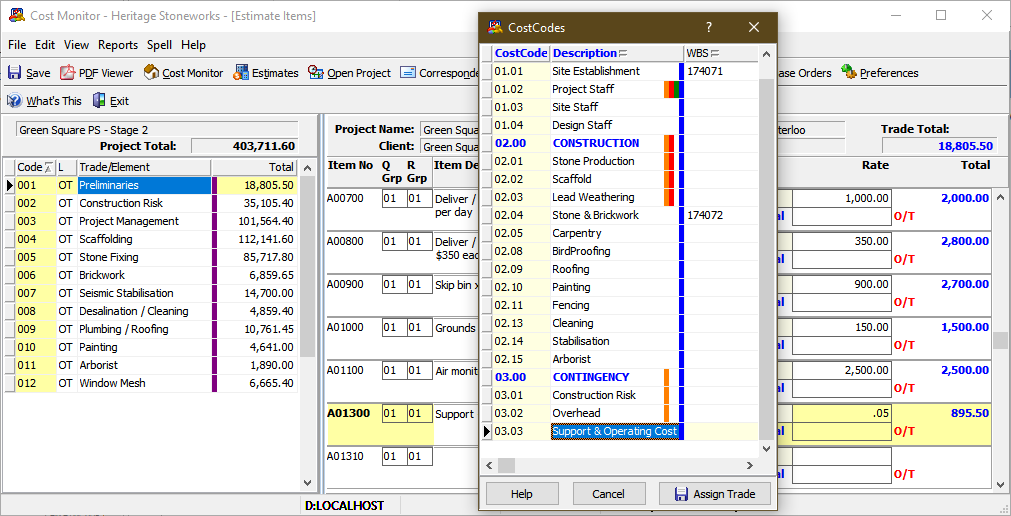
or assign to single line item

or assign to single line item
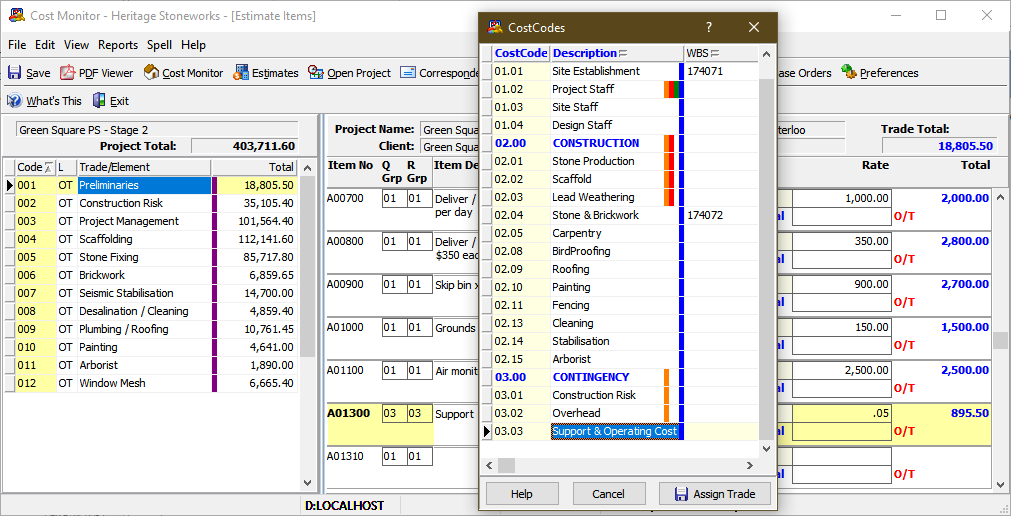


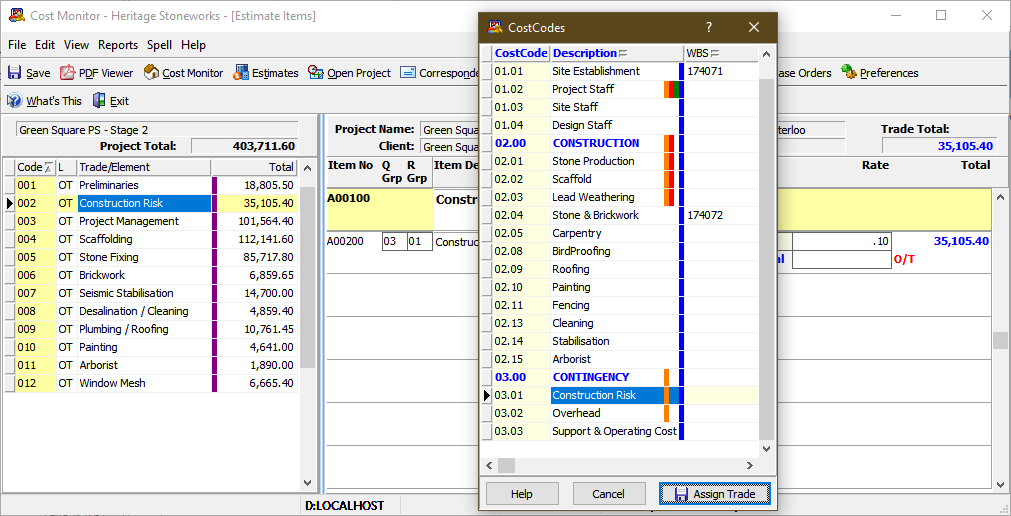

proceed until all items are coded

proceed until all items are coded

proceed until all items are coded

proceed until all items are coded
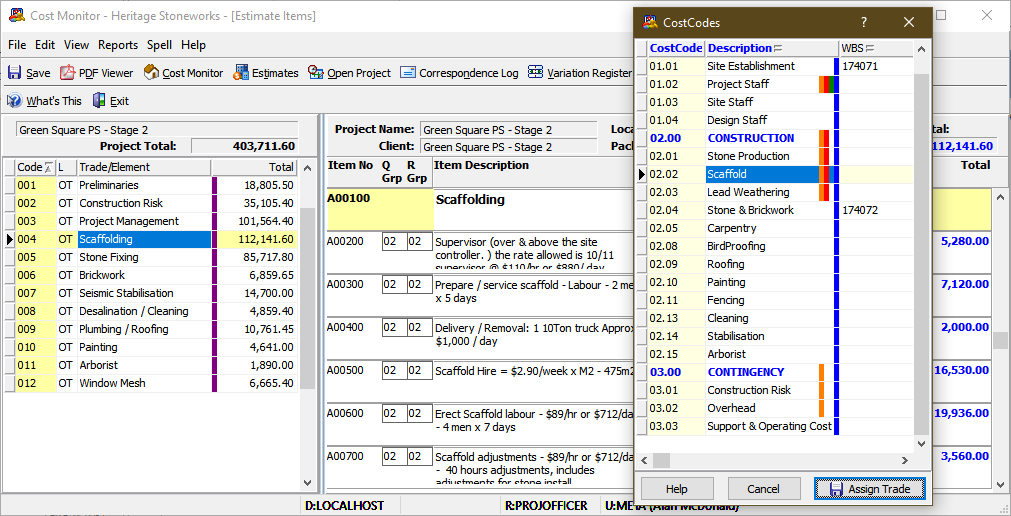


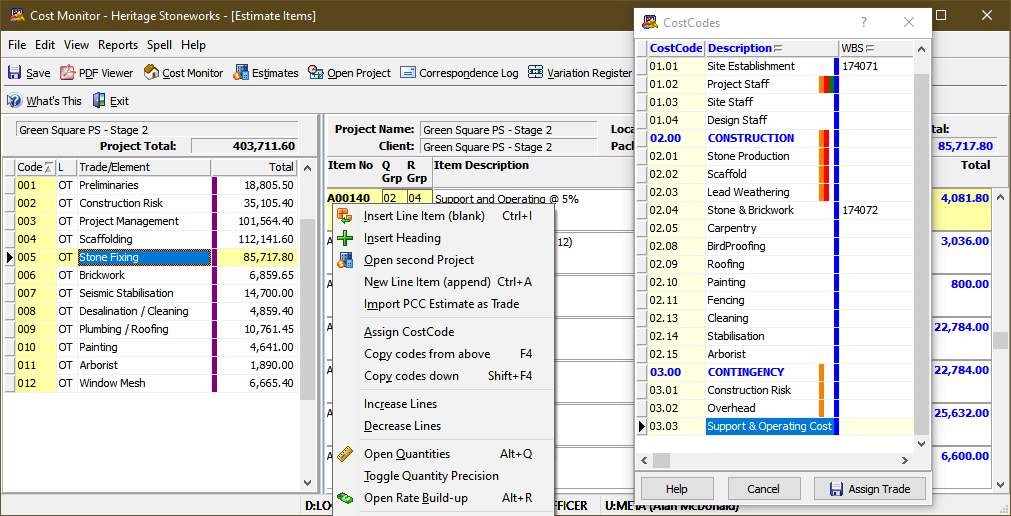

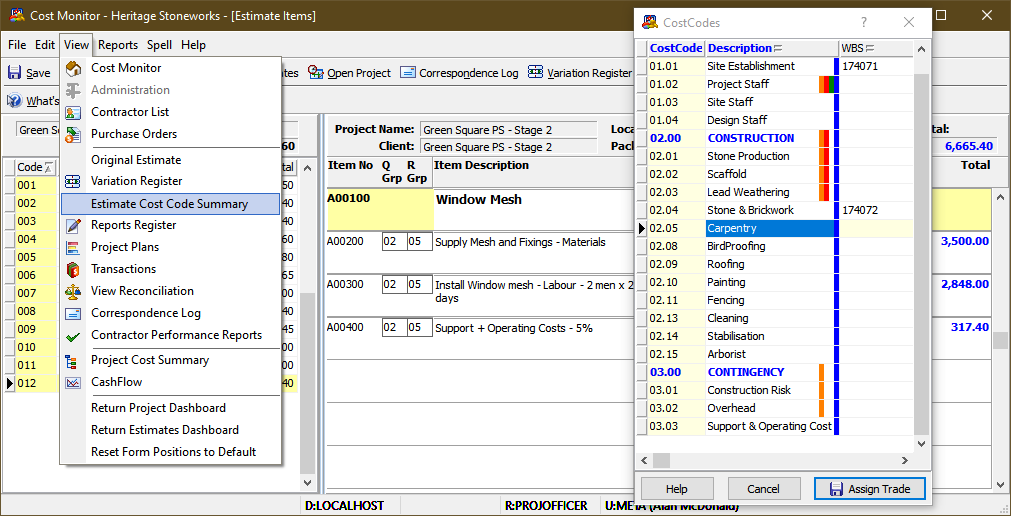
re-check the Cost Code Summary to ensure all items are coded
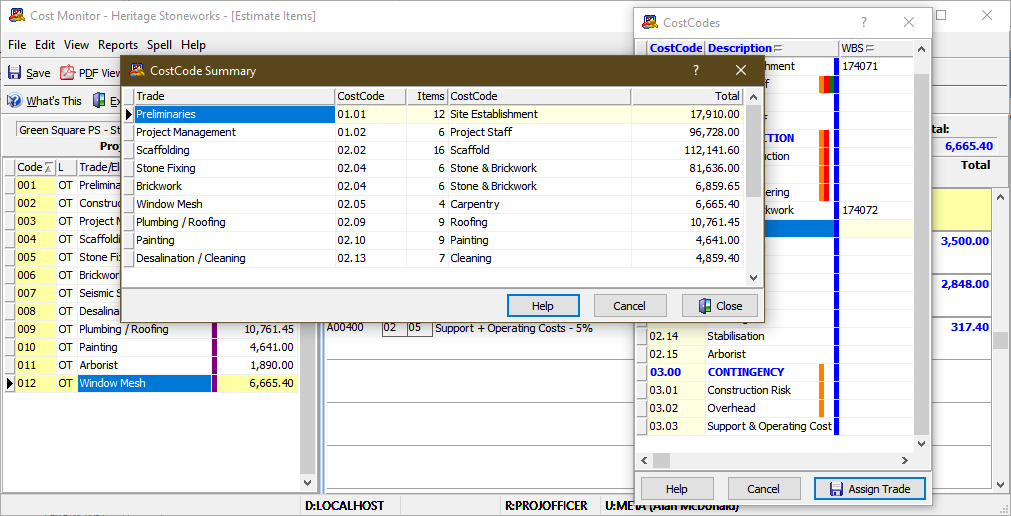
re-check the Cost Code Summary to ensure all items are coded


close the cost code list and select Export to Cost Monitor

close the cost code list and select Export to Cost Monitor

close the cost code list and select Export to Cost Monitor

close the cost code list and select Export to Cost Monitor

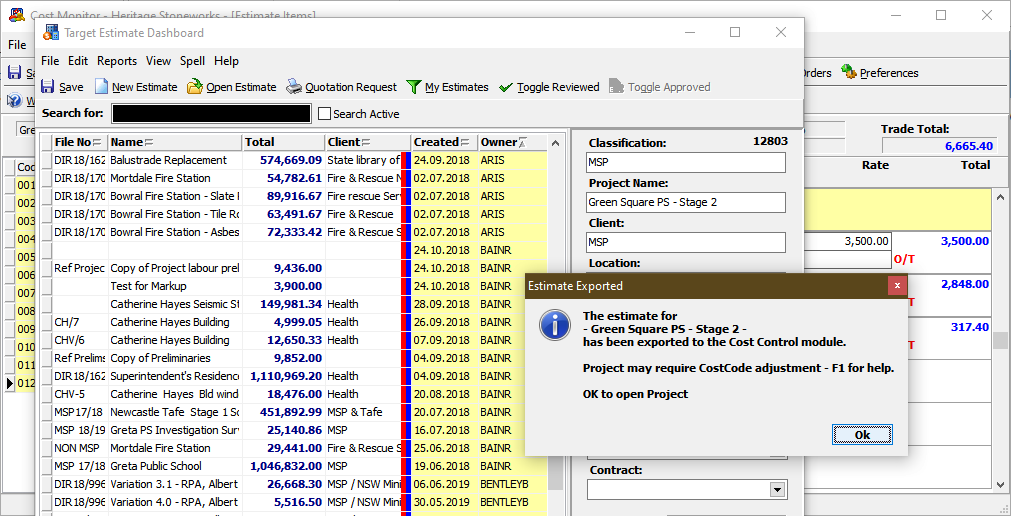
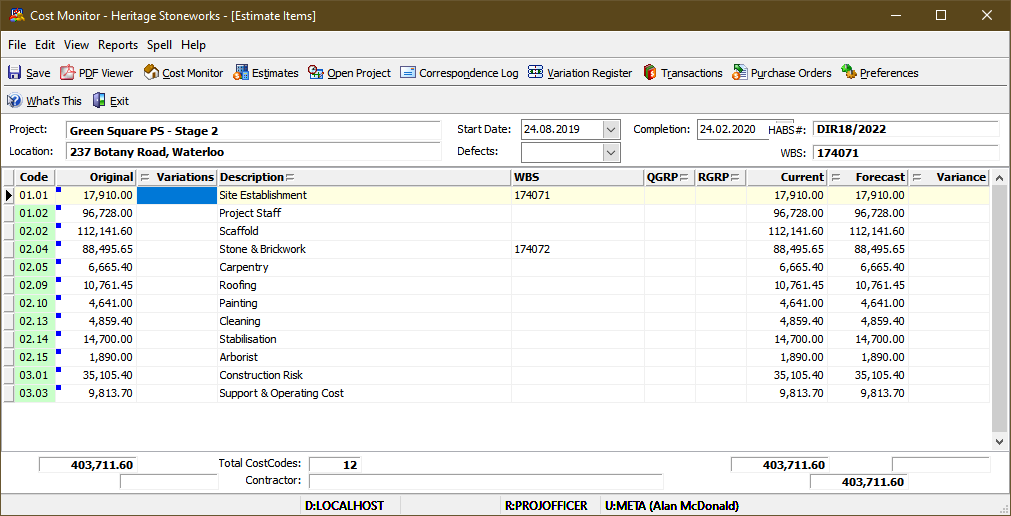
the Cost Monitor page is opened on the new project

add Major/Active codes to complete the export
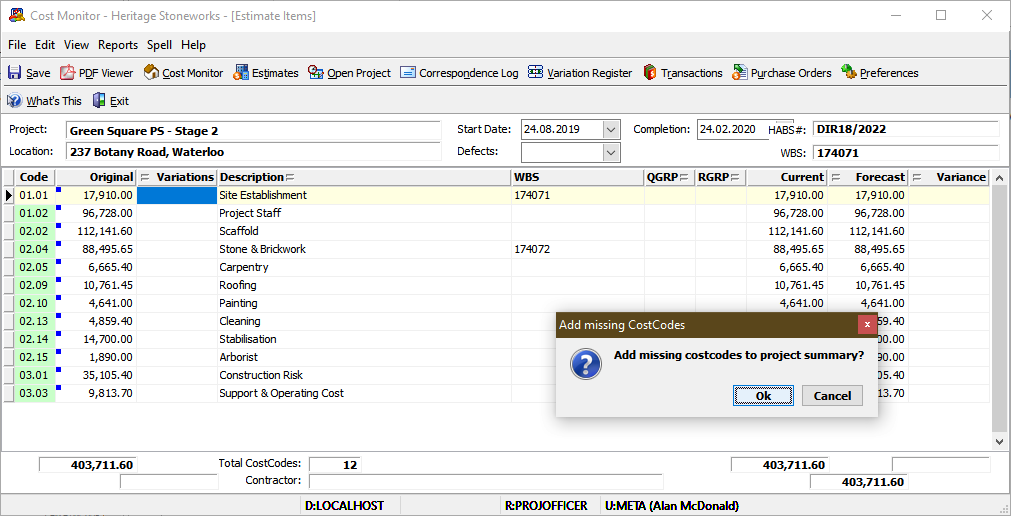
add Major/Active codes to complete the export
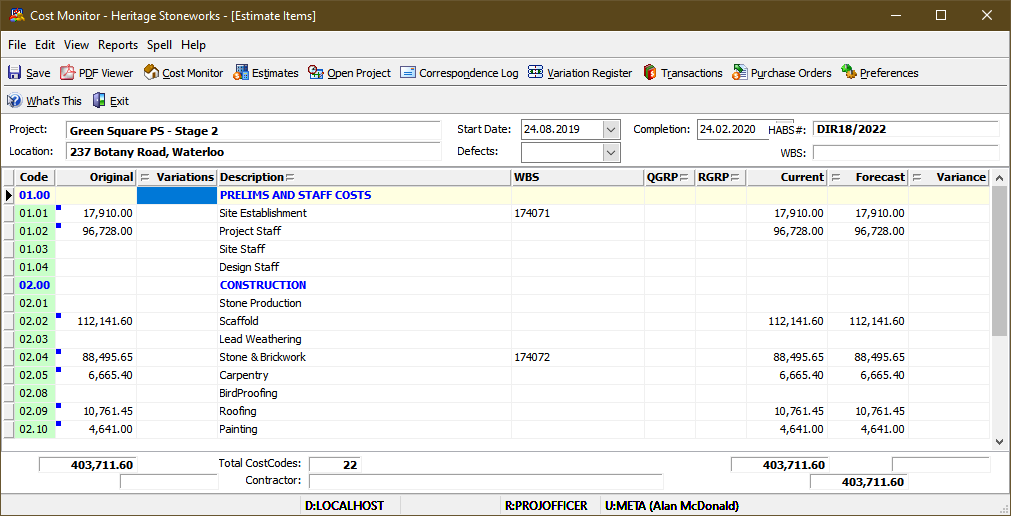
add Major/Active codes to complete the export

use the Shift click combination to multi-select all the summary lines

use the Shift click combination to multi-select all the summary lines

use the Shift click combination to multi-select all the summary lines

use the Shift click combination to multi-select all the summary lines

and then select Delete CostCode to remove all empty non-major codes

CostCode Summary is now ready to management and reporting

CostCode Summary is now ready to management and reporting

