

Step 1: Sort by Park Name
Step 2: Identify a match/pair

Step 3: Triple click the number and overtype with the match

Step 4: Select the park to be deleted (move up or down arrow)

Step 5: Select Toggle Active or use Ctrl-A shortcut

Repeat this process thru the list
Inactive park shows a green flag
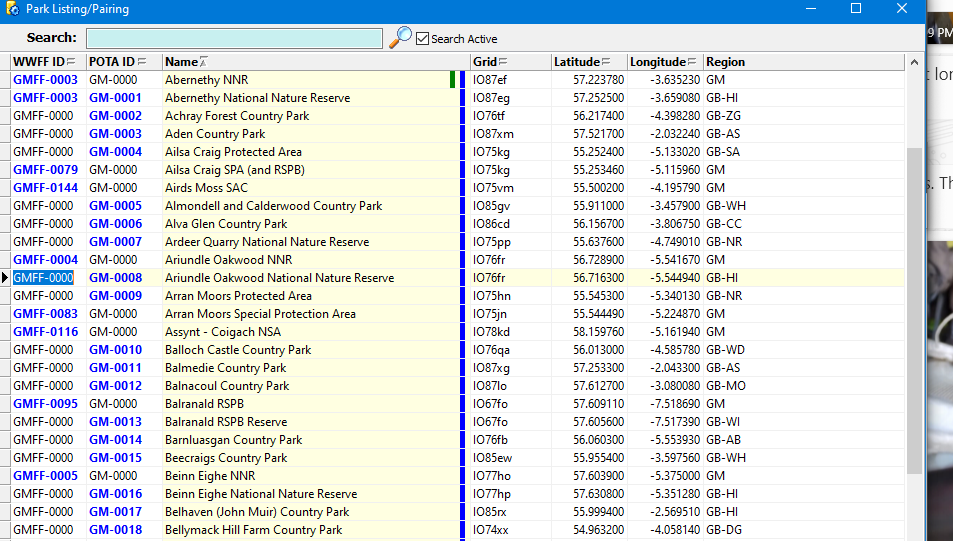


When complete or even partially complete, Filter on Active to see only parks with the green flag.
Select all and Delete them

