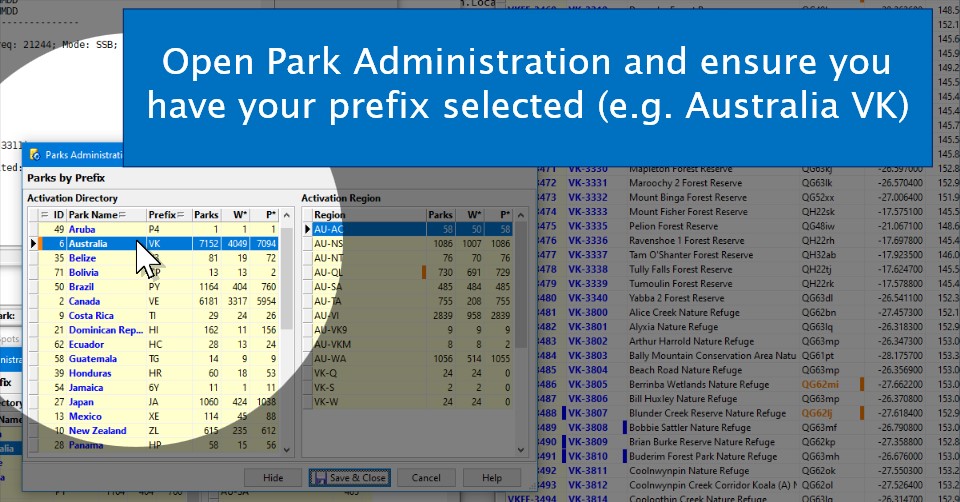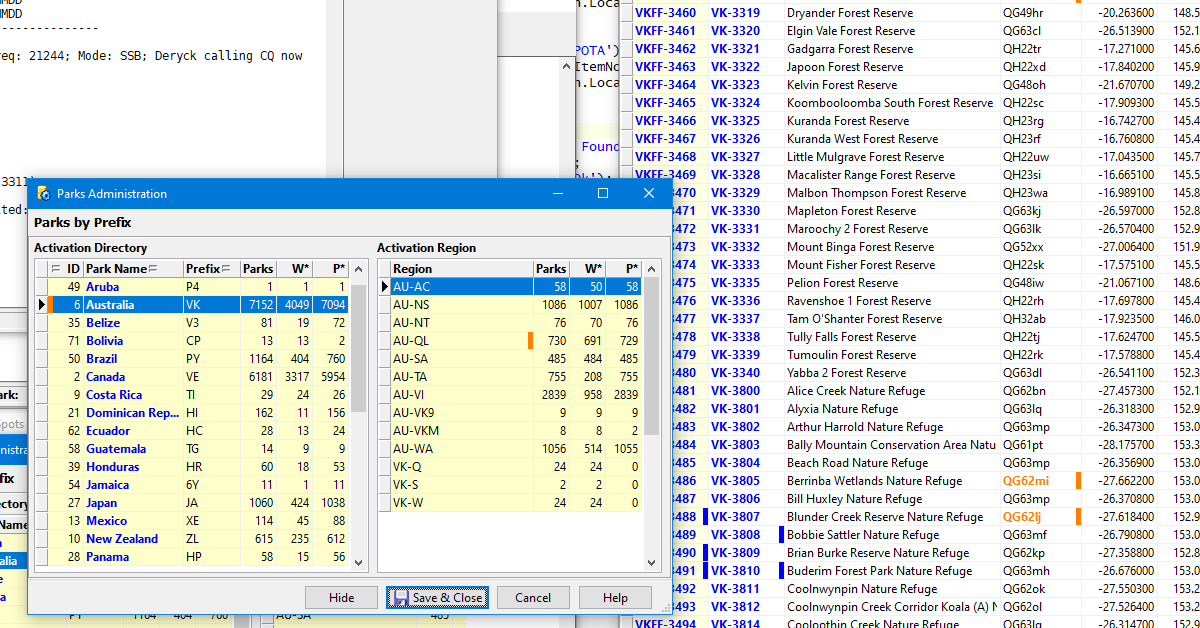

Open Park Administration and ensure you have your prefix selected (e.g. Australia VK)
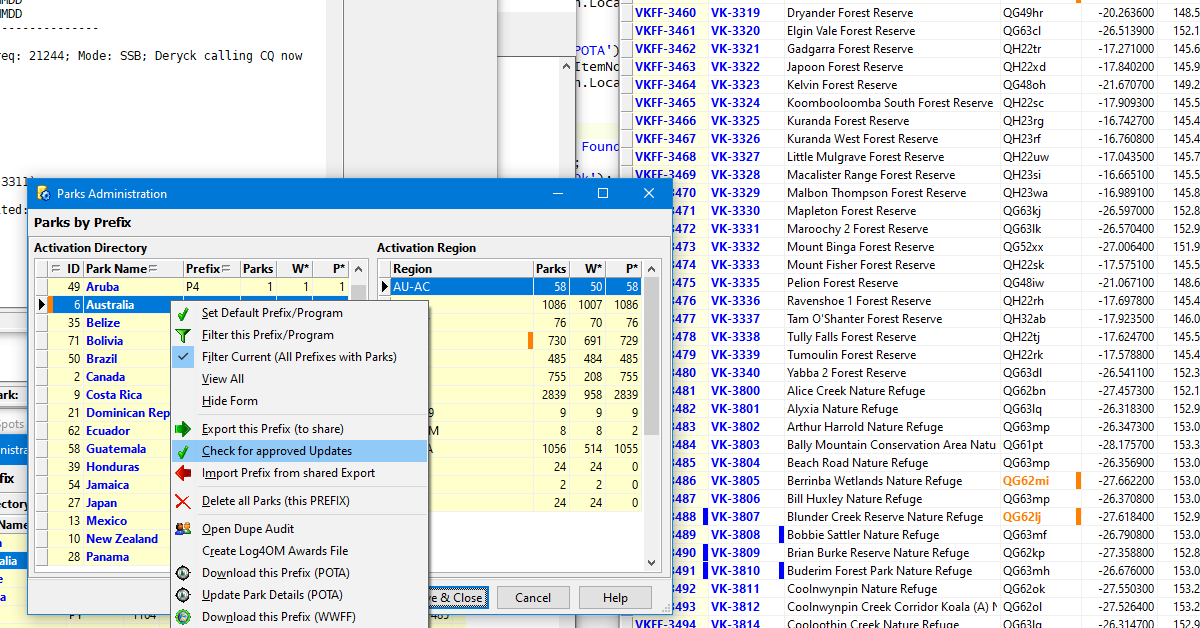
the context (right click) menu will show the "Check for approved Updates" option
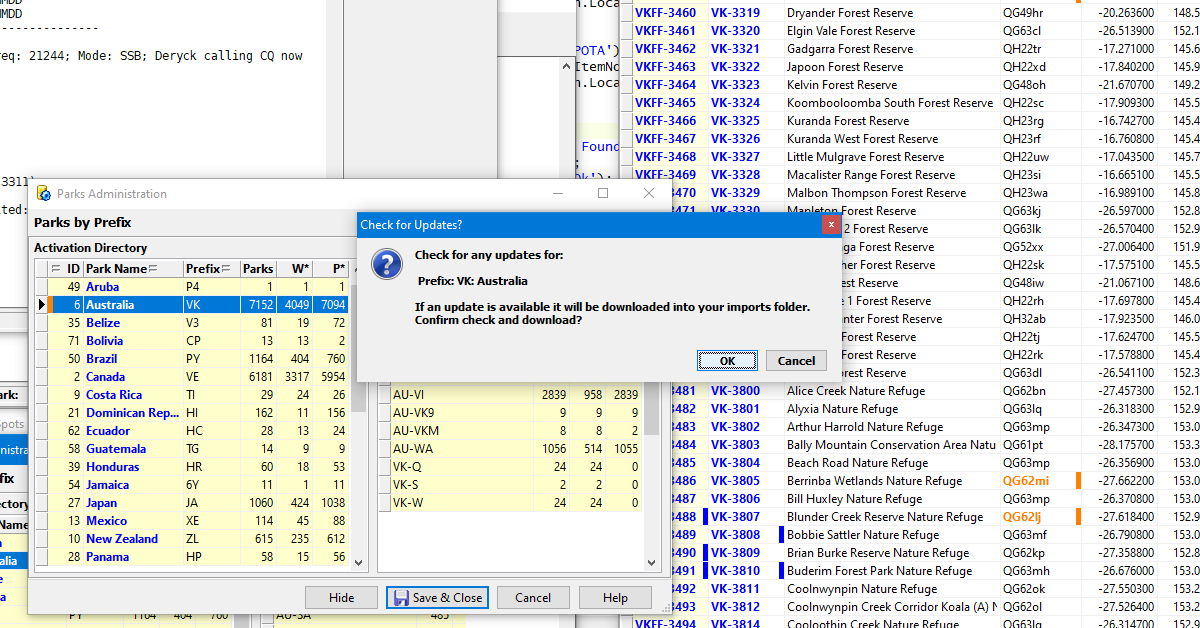
Confirm that you wish to check for available updates
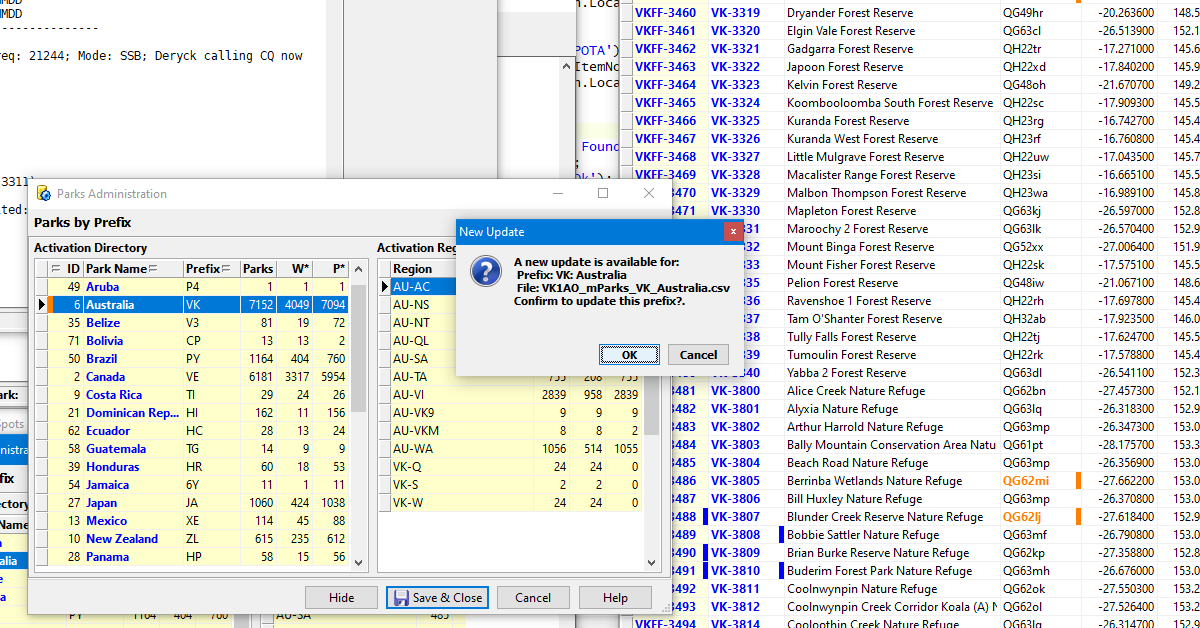
if an update is available, it will be downloaded and you will be prompted to open it and apply it to your database
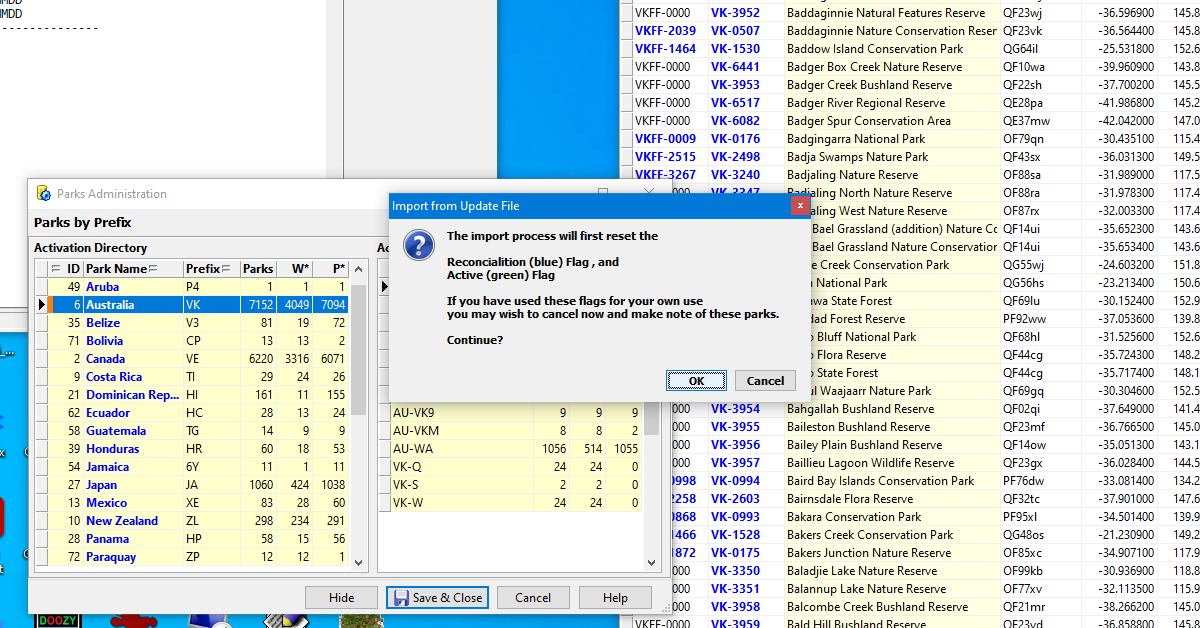
After the update is applied, some parks will be marked with the blue bar (flag) which means it has been added or modified in some way
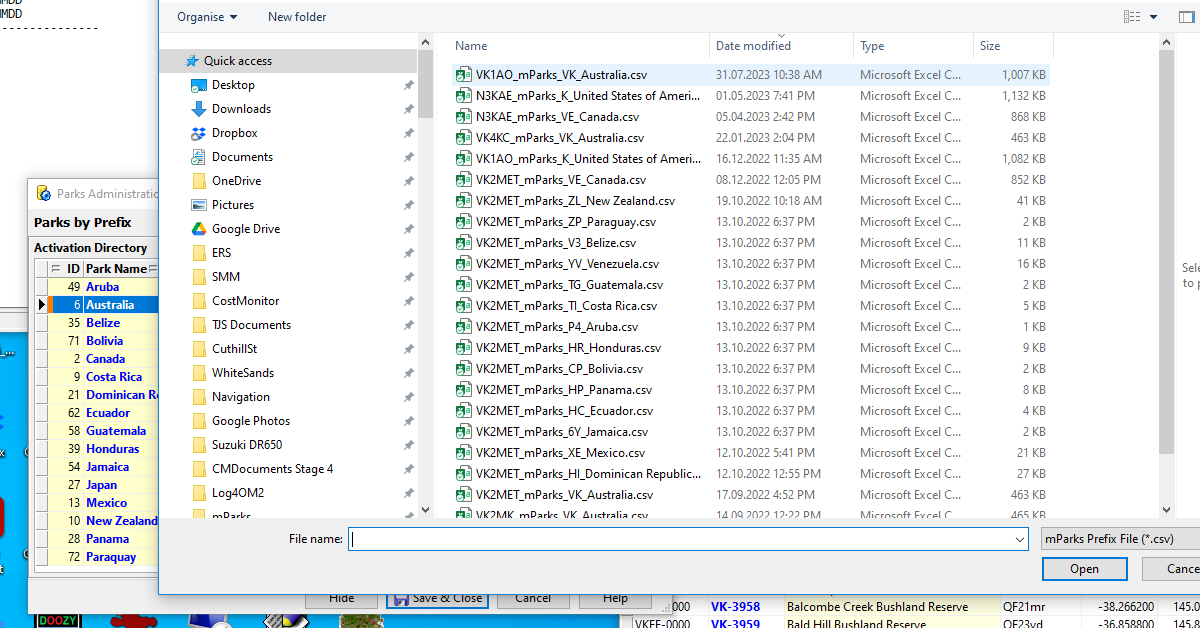
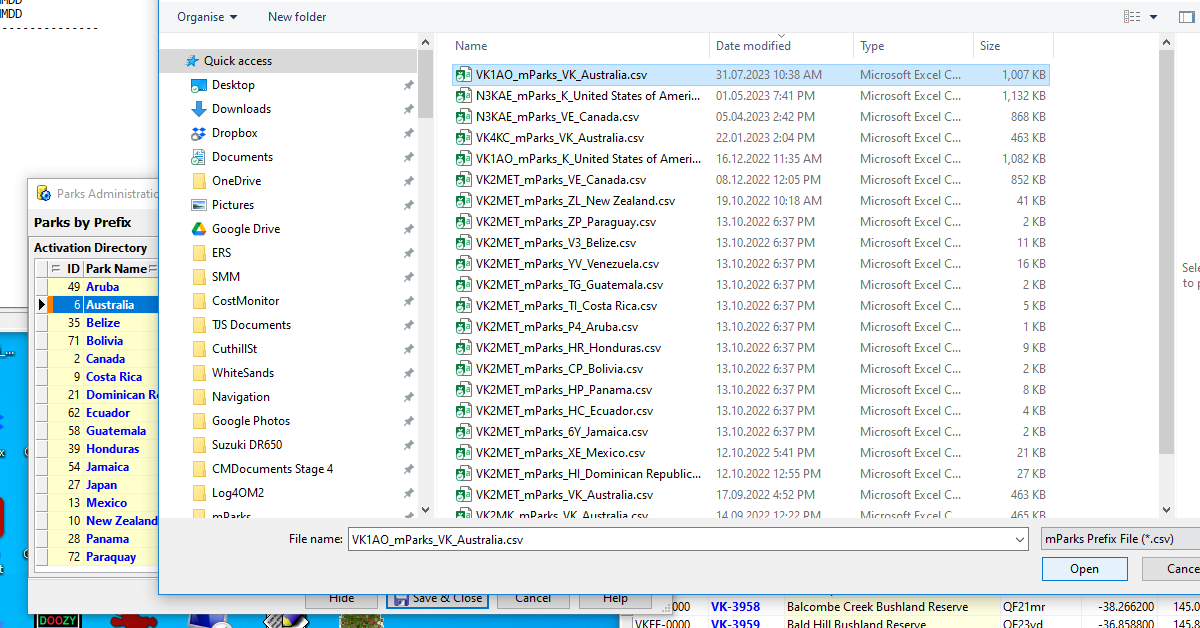
a file explorer will open and you should select the latest file. The file name is made up of the submitter's callsign and the prefix/country to which it applies
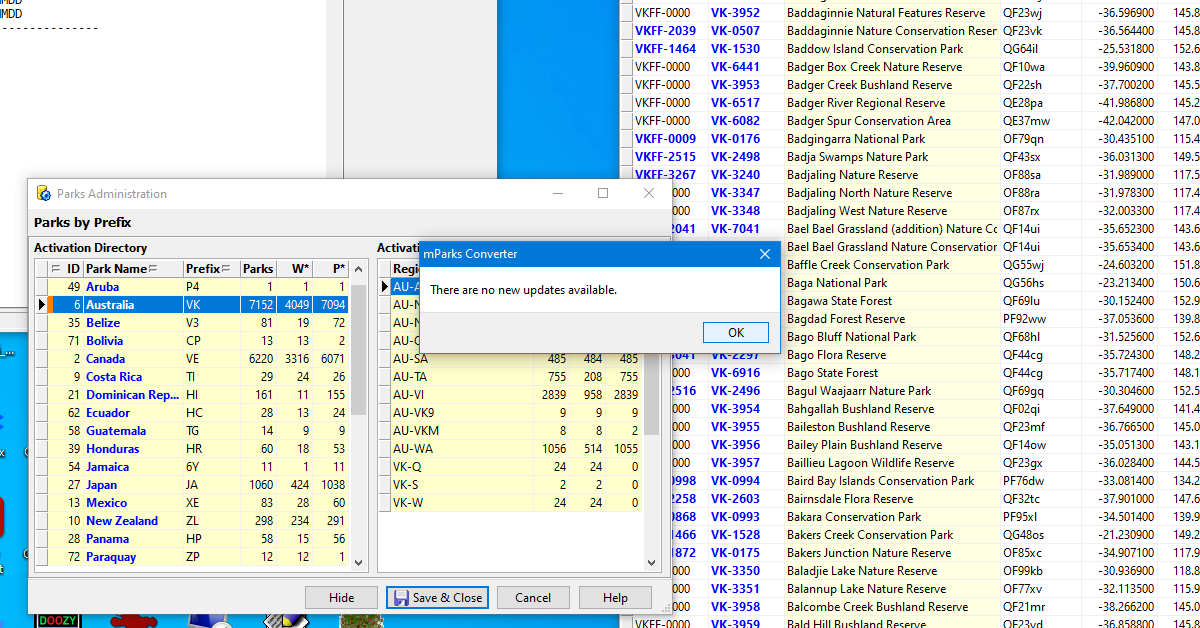
if changes are made, you will be prompted to delete any parks which should be removed and the list will be filtered on Reconciliation - parks flagged with a blue bar
if no changes are found, the park list will be displayed with no active filter